Yapper Studio
Everything you need
to create content.
Ideas that sound like you, a teleprompter, one-click editing and posting to every channel, in one place.
One-click editing
Full edit with one click.
Hours of time back.
No more spending hours cutting out silences, mistakes and retakes. One-click edit cleans up the recording so your best take comes through as continuous talk. Review the cut, adjust what you want and add captions.
Want more control? Text-based video editing lets you remove a sentence by selecting its words. The timeline is there for the finishing touches.
Explore one-click video editingBrain, Ideas and Lab
The next idea should
sound like you.
Brain gets to know your voice, your point of view and the content you’ve already made. Add your references and connect your social profile. Your previous videos become context for ideas rooted in how you think and speak.
Ask for ideas you can actually shoot. Explore the angle in Lab, find the hook and turn it into a script or talking points. You choose when to bring in AI.
Find your next content ideaFind your reading pace.
Try it here. Adjust the script as it scrolls.
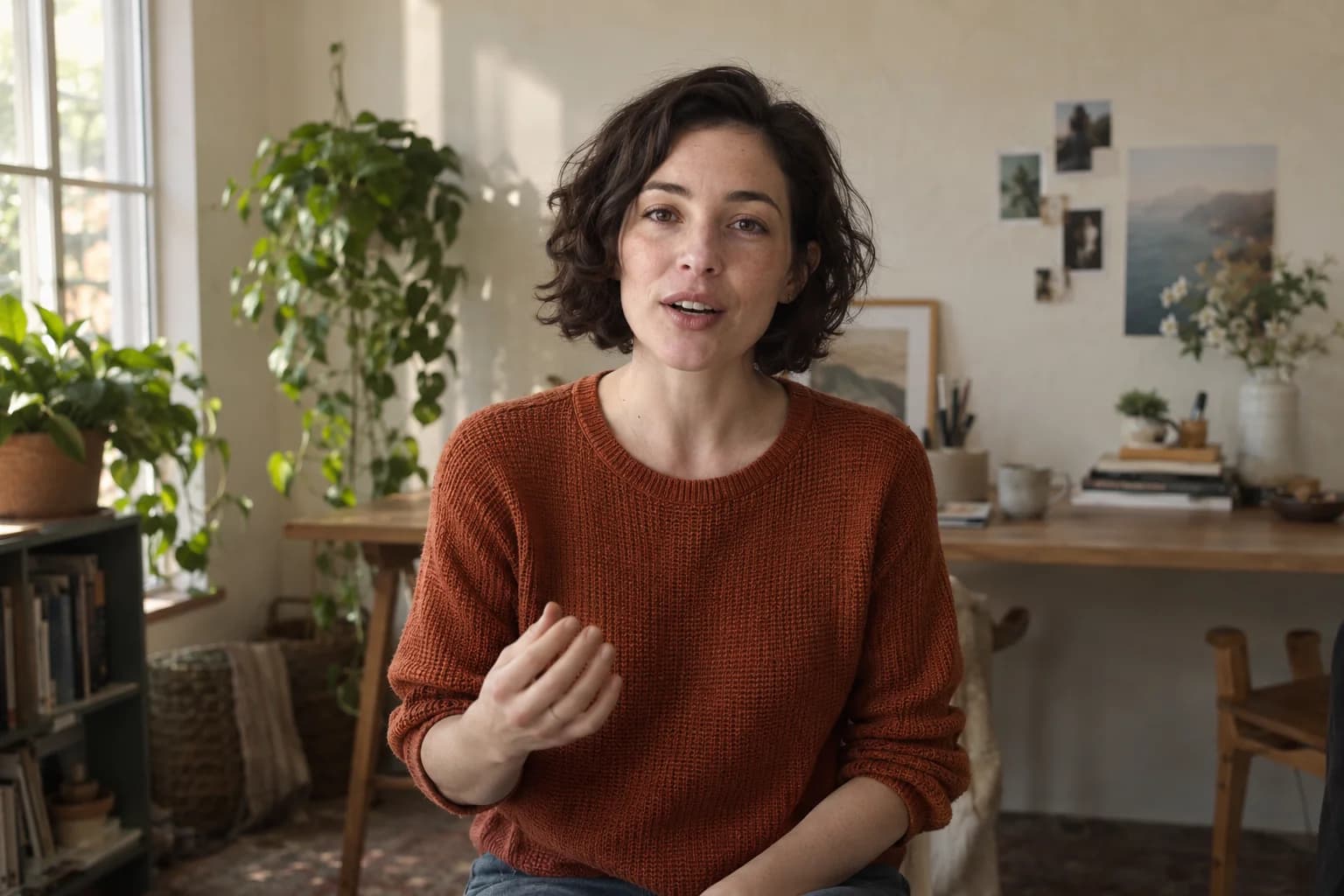
Teleprompter recorder
Never forget what to say.
While sounding natural.
Keep your script or key talking points on screen while you talk to the camera. Set a comfortable pace, stay on track and leave room for a natural delivery. Prefer to freestyle? Record without it.
Record with a teleprompterPoster
One click schedule.
Crossposted to all your socials.
Cross-post and schedule your video to multiple connected channels in one go. Choose the destinations, set each caption and thumbnail, then publish now or pick a time. Your posting plan stays connected to the video you just made.
Explore cross-posting and schedulingInteractive publishing demonstration using sample content. No posts are sent.
Give every post its own voice.
Video coverYouTube · Instagram · TikTok
Where you can use Studio
- Web
- Plan ideas, write scripts, and schedule or publish to supported social accounts.
- Mac
- Record and edit video in the native Studio app.
- Mobile
- Coming soon: scan a code to pick up on your phone, record with a teleprompter, and edit in the mobile app.
- Windows
- Not available yet.
The content library
One idea. Everything that comes next.
The thought in your notes, the script you made your own, the take worth keeping. Keep them together, with a content calendar that follows the video from first idea to finished post.
Explore your content libraryGuides for creating and speaking
Practical routines you can do alone, with topics and drills to use straight away.
- Content creation
How to generate content ideas from what you already know
Turn audience questions, lessons and past videos into specific content ideas. A practical worksheet, worked example and prompt for your next talking-head video.
6 min read - Practice Prompts
1-Minute Speech Topics: 75 Prompts for Fast Speaking Practice
Use these 1-minute and 2-minute speech topics to practice thinking faster, structuring answers, and speaking without overpreparing.
9 min read - Practice Tips
How to Practice Public Speaking Alone (And Actually Improve)
You don't need an audience to get better at speaking. Here's a solo practice framework that builds real confidence.
2 min read - Speaking Skills
How to Stop Saying 'Um' and 'Like' When You Speak
Filler words aren't a character flaw — they're a habit. Here's how to break it without sounding robotic.
2 min read - Practice Tips
Public Speaking Practice Exercises: 7 Drills You Can Do Alone
Use these public speaking practice exercises to train real reps at home: timed prompts, camera review, filler-word pauses, pacing, and clean endings.
12 min read - Speaking Skills
What to Do When Your Mind Goes Blank Mid-Speech
That freeze when you're put on the spot isn't a talent gap. It's a training gap. Here's how to fix it.
6 min read - Speaking Skills
How to Start a Speech: 7 Opening Lines That Actually Work
The best way to start a speech is not with a perfect quote. Use a simple first sentence that gives your brain a job and your audience a reason to listen.
15 min read All guides
Make your next video in Yapper Studio.
Try every Studio tool free for 7 days, with 100 AI credits.
Cancel anytime.